
An AI builder is a quick way to get online. Then the business grows. You need pages the tool can't make, or you're tired of every change going through a chat box. So you decide to rebuild.
A rebuild is a good time to fix what isn't working. It's also when sites quietly lose things. Search traffic is the usual one. Enquiries and email can go missing too.
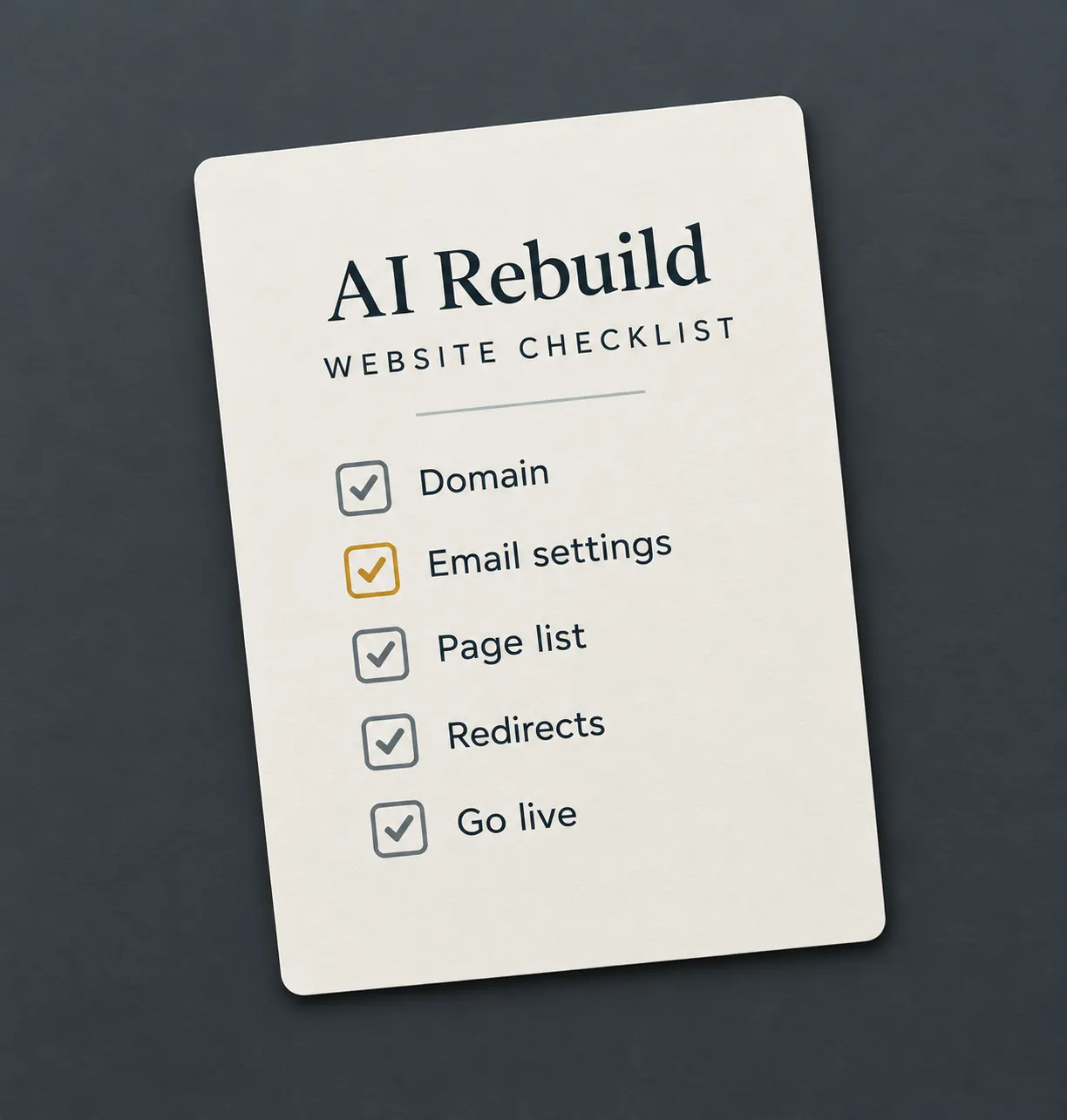
This checklist covers what to do before, during and after a rebuild. It works whichever tool you used, from Lovable to Wix.
First, check you need a rebuild
Not every AI-built site needs replacing. Sometimes a few fixes are enough. Ask yourself these questions.
- Can you change text, images and prices without the layout breaking?
- Can you add a page for a new service, without needing a developer or duplicating a page manually?
- Do enquiries reach a system you check every working day?
- Can you get your content out if you need to, including images and page structure?
If you answered yes to all four, the site may only need targeted improvements rather than a full rebuild, but a website review tells you which way to go.
Before you start
Find out who controls your domain
Your domain is your web address. Some builders sell it to you as part of the plan. Check whose account it sits in, and make sure you can log in. You'll need that access to point the domain at your new site.
Check where your email runs
If your email uses your domain, it depends on settings in the same place. Change the wrong one and your email can stop working. Note down your current email settings, called MX records, before anything changes.
Save your content
Copy every page, blog post and image you want to keep. Some AI builders have limited export functionality. Doing it by hand is slow, but it's safe.
List every page address
Write down the address of every page on your current site. You'll need this list for redirects later. Your sitemap is a good place to start. Try adding /sitemap.xml to the end of your web address.
See which pages Google already sends people to
Open Google Search Console and look at the Performance report. Note the pages that get clicks. Those are the pages you can't afford to lose. No Search Console yet? Set it up now. It's free.
During the rebuild
Keep the pages that work
A page that brings in visitors should survive the rebuild. You can rewrite it and improve it. Keep its topic, and keep the address if the new page serves the same purpose. If the old page was about “rail track maintenance” and the new page becomes a generic “services” page, keeping the URL alone will not preserve performance.If the topic changes, redirect it to the closest relevant page instead.
Write a title and description for every page
Each page needs its own title and description for search results. AI builders often reuse the same ones on every page, or leave them blank.
Plan your redirects
A redirect sends visitors from an old address to a new one. Without redirects, old links and Google results lead to an error page. Match every address on your list to its new home. Use permanent server-side redirects, usually 301s. Match every old address to its closest relevant new page. Avoid sending everything to the homepage unless there is no better destination.
Connect your enquiries properly
Decide where each form sends its enquiries. A shared inbox or a CRM is safer than a personal email address. Test every form and booking link before launch.
Build in privacy and accessibility
Add a cookie banner that blocks non-essential cookies and tracking until visitors agree. Check which cookies are strictly necessary, update your privacy policy, and make refusing as easy as accepting. Check your privacy policy matches what the new site does. Build to WCAG 2.2 AA, so the site works with a keyboard and a screen reader.
On launch day
- Add your redirects before the new site goes live.
- Point your domain at the new site. Leave your email settings alone.
- Test every form and booking link again. Send yourself a test email too.
- Submit your new sitemap in Search Console.
- Add privacy-respecting analytics, configured so non-essential tracking only runs after consent.
- Update your website link on your Google Business Profile, if it changed.
- Keep your old plan running for a few weeks, in case you need anything from it.
In the first month
Check Search Console every week. Look for pages Google can't find. If an old address shows an error, add the missing redirect.
Some movement in search results is common for a few weeks. A big drop on one page often points to a missing or incorrect redirect, but check indexing, content changes and internal links too.
Frequently asked questions
Will I lose my Google rankings if I rebuild?
A rebuild does not automatically lose rankings, but changes to content, URLs, internal links and page experience can affect them. Keep valuable pages, preserve their intent, redirect old URLs properly, and expect some short-term movement. Google has some great advice for site move best practices.
Can I keep my domain?
Yes. Your domain can point to any platform. If your builder sold it to you, you may need to move it to your own account first.
Do I have to leave my AI builder?
No. If a few fixes will do the job, keep it. The website review covers sites on any platform. Every fix is written so you can make it in the tool you used.
Can you rebuild my AI-built site?
Yes, in Webflow. At launch the site moves into your own Webflow account, so you own it. I show you how to edit it yourself, too.
Not sure where you stand?
A £395 website review tells you whether you need a rebuild. If you do, the fee comes off a new website when you go ahead within 60 days.